Upload the image file. Adjust the available settings for the tool.
PNG files (.png) supported
What this tool does
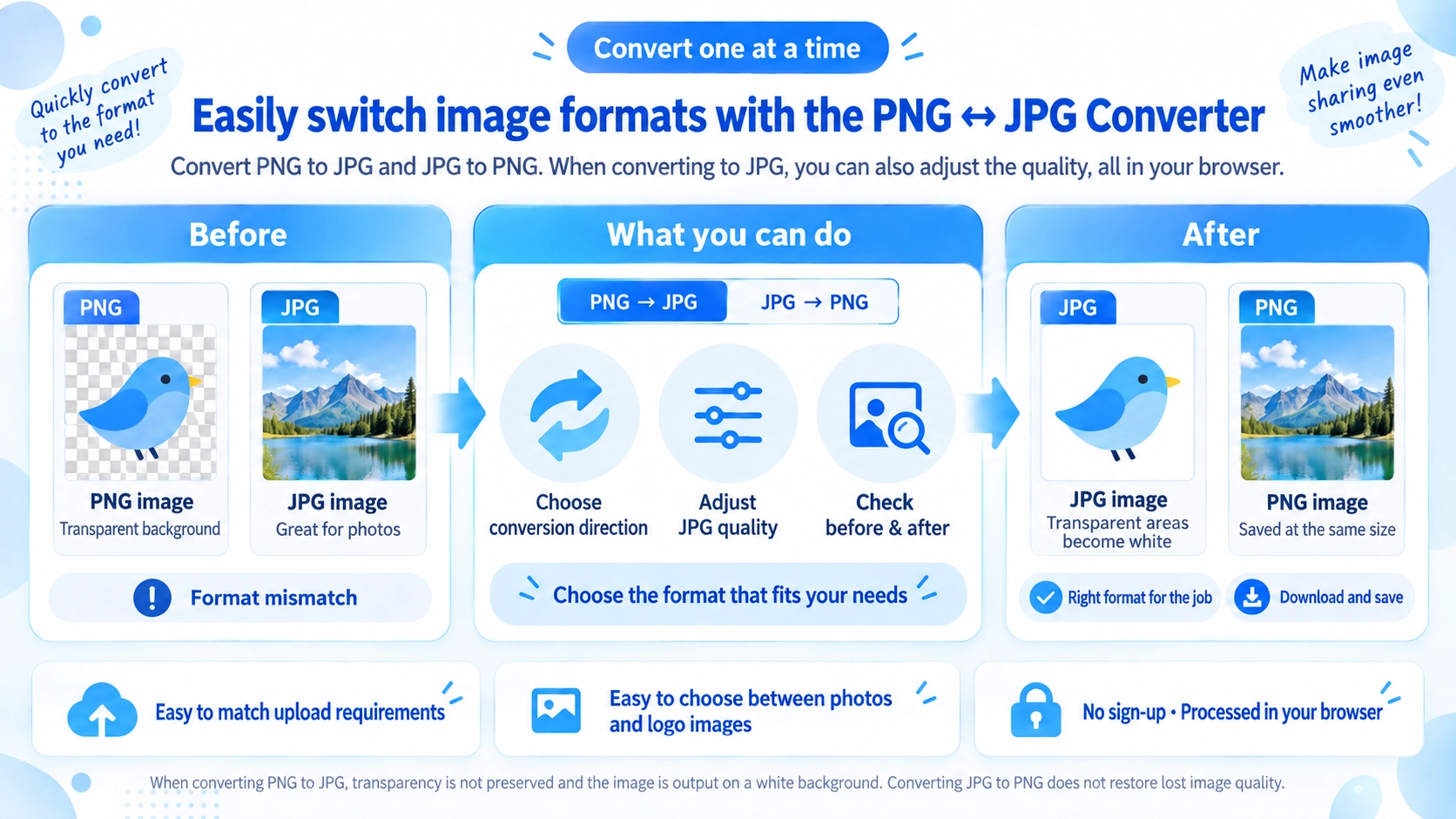
Convert PNG images to JPG or JPG images to PNG, and adjust JPG output quality when applicable.
How to use it
- Choose “PNG → JPG” or “JPG → PNG”.
- Select an image that matches the chosen conversion direction.
- Adjust JPG quality if needed and click “Convert”.
- Check the result and download the converted image.
Supported input and notes
Choose PNG → JPG to upload a PNG, or JPG → PNG to upload a JPG/JPEG; WebP is not an input option on this page. PNG → JPG replaces transparency with white and offers a JPG quality control (1–100). JPG → PNG does not restore detail lost to JPEG compression. The output keeps the original pixel dimensions.
When it is useful
Useful when an application accepts JPG but not PNG, or when PNG is needed for an image workflow.
PNG vs JPG
This tool converts one image at a time from PNG to JPG or JPG to PNG. It keeps the original pixel dimensions and changes the file format.
PNG → JPG
You can set JPG quality from 1 to 100. Because JPG does not support transparency, this tool fills transparent PNG areas with white before export.
JPG → PNG
The JPG is re-encoded as PNG. Image detail already lost through JPG compression is not restored by converting it to PNG.
Pixel dimensions
The output keeps the original width and height. To change dimensions, use the Image Resizer.
Transparency in JPG
JPG does not support transparency. This tool fills transparent areas with white before creating the JPG. Keep the image as PNG when transparency is required for logos, cutouts, or similar graphics.
JPG Quality
PNG-to-JPG conversion lets you set quality from 1 to 100. Lower values generally reduce file size more, but also remove more image detail.
- Prioritize appearance: Start with a high value and inspect the result.
- Prioritize size: Lower quality gradually while checking edges and text.
- JPG → PNG: The quality slider is not used in this mode.
JPG to PNG Size
Not necessarily. Photos with many colors can become larger as PNG files. PNG is more useful when you need transparency or crisp text and graphics than when your only goal is a smaller photo file.
PNG or JPG
Photos
JPG is practical for photos that do not need transparency, and its quality can be adjusted to control file size.
Transparent graphics
Choose PNG for logos, icons, and cutout images when transparent areas must be preserved.
Format requirements
Convert when a website or service accepts only JPG or PNG.
Multiple images
This page handles one image at a time. Use Bulk Image Format Converter for multiple files.
FAQ
Does JPG-to-PNG conversion restore image quality?
No. Detail already lost in the JPG is not reconstructed.
Does transparency remain when PNG is converted to JPG?
No. This tool fills transparent areas with white.
Do the width and height change?
No. The output uses the same pixel dimensions as the source image.
Can I convert multiple images at once?
Not on this page. Use the Bulk Image Format Converter for multiple files.