Upload the image file. Adjust the available settings for the tool.
JPG / PNG / WebP / GIF supported
What this tool does
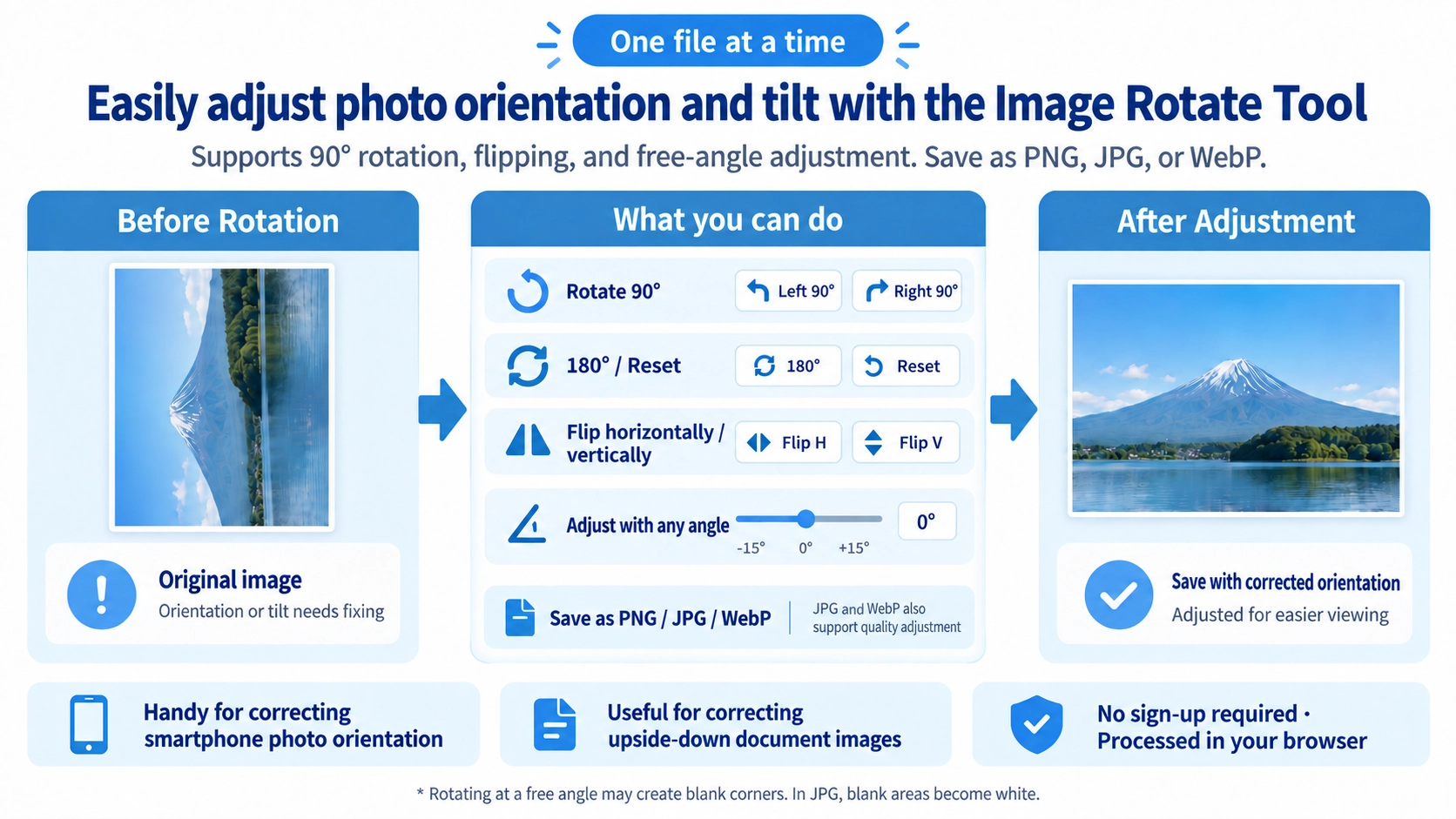
Rotate an image by 90°, 180°, or 270°, choose a custom rotation angle, or flip it horizontally or vertically.
How to use it
- Upload an image and rotate it using the preset angles or the custom angle control.
- Flip it horizontally or vertically if needed.
- Choose the output format and adjust quality where available.
- Click “Output” to save the adjusted image.
Supported input and notes
Free-angle rotation may add empty space around the corners. For straightforward orientation correction, rotations in 90° increments are usually easiest.
When it is useful
Useful for correcting sideways images and adjusting image orientation.
Rotation Fixes Image Orientation
Rotating by 90° or 180° is useful when a photo is sideways or upside down. A 90° rotation swaps width and height, while a 180° rotation keeps the same dimensions.
Free Rotation Also Helps Correct Tilt
You can rotate by angles other than 90° increments, which is useful for straightening slightly tilted photos or scanned images.
Angled Rotation Can Change the Output Size
When an image is rotated to a non-right angle, the output may become wider or taller so the tilted corners are not cut off.
Rotation Creates Empty Corners
Tilting an image creates empty areas around the corners. PNG and WebP can keep those areas transparent, while JPG fills them with white because it does not support transparency.
Rotation and Flipping Are Different
Rotation
Changes the angle of the whole image and is useful for fixing orientation or tilt.
Flip
Mirrors the image horizontally or vertically, producing a different result from rotation.
Rotation and Flipping Can Be Combined
You can combine rotation with horizontal or vertical flipping, such as rotating 90° and then flipping left to right.
FAQ
What happens to the corners after free rotation?
The newly created areas become padding. They are transparent in PNG and WebP and white in JPG.
Does a 90° rotation change the image size?
It does not enlarge the image content, but width and height are swapped.
Can I flip without rotating?
Yes. Horizontal or vertical flipping can be applied without rotating the image.