Add the files you want to process. Choose the shared output settings for the batch job.
Load image files in bulk
What this tool does
Rename multiple images using a shared base name and sequential numbers, then download the renamed files together as a ZIP without changing image quality.
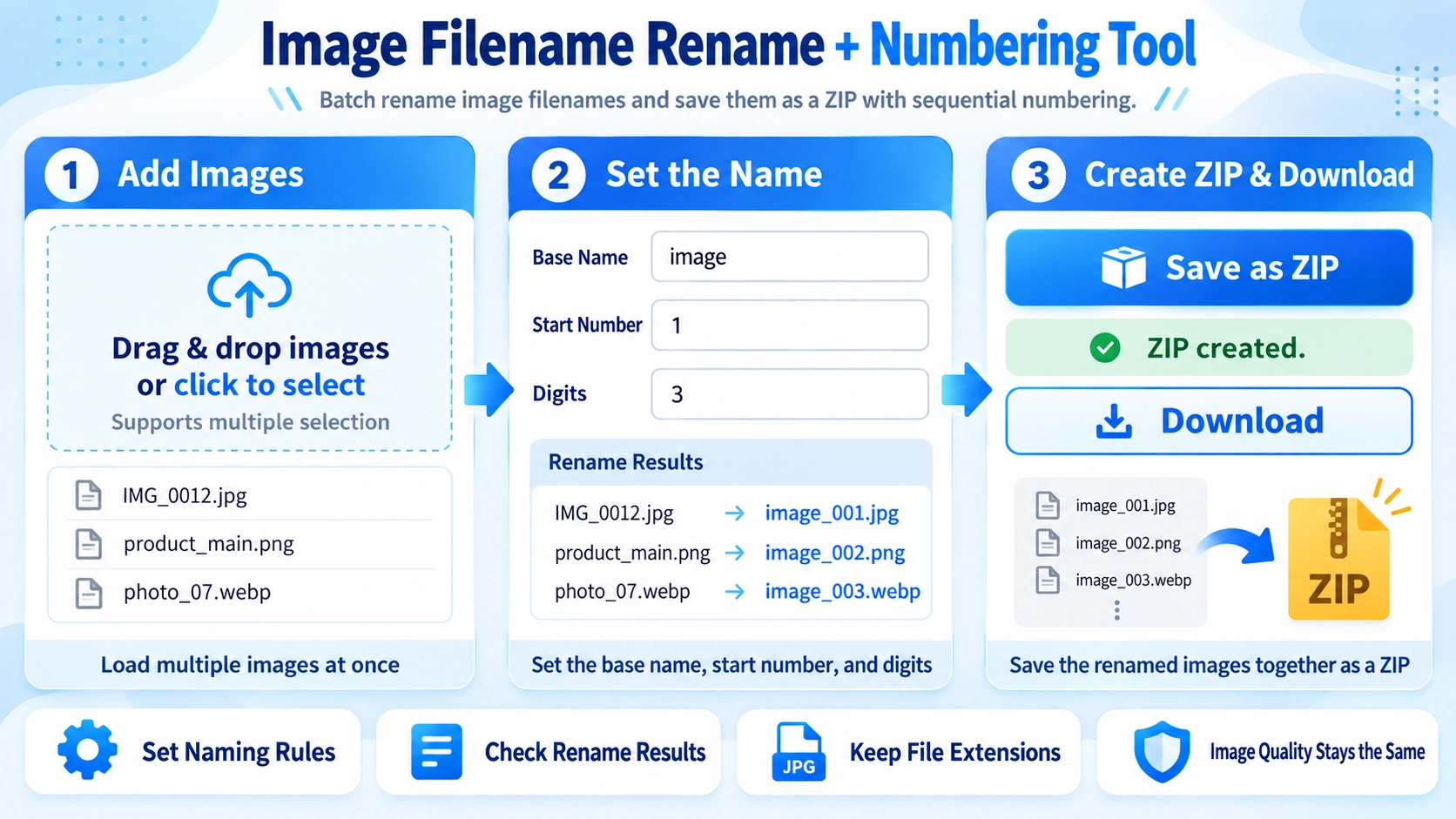
How to use it
- Select the images to rename.
- Enter a base filename, starting number, and number of digits.
- Review the sequence of filenames.
- Click “Save as ZIP” to download the renamed image files.
Supported input and notes
Image contents are not changed. Check the start number, number width, and extension handling when matching an existing filename convention.
When it is useful
Useful for organizing image sets with predictable, sortable filenames.
Batch Renaming
Apply one base name and sequential numbers to multiple image files. This is useful for product photos, blog assets, and other image sets that need consistent filenames.
Start Number
The sequence does not have to start at 1. For example, starting at 21 can produce names such as image_021 and image_022.
Number Padding
You can choose the number of digits used in the sequence. With three digits, numbers are padded as 001, 002, 010, and so on.
Original Extensions
PNG stays .png and JPG stays .jpg. The tool changes filenames only and does not convert image formats.
ZIP Download
Renamed files are packaged into one ZIP. The original source files are not overwritten.
FAQ
Does renaming reduce image quality?
No. The image data is not re-saved or recompressed.
Can I convert PNG to JPG here?
No. The original file extension is preserved.
Can the sequence start from another number?
Yes. You can set the starting number.