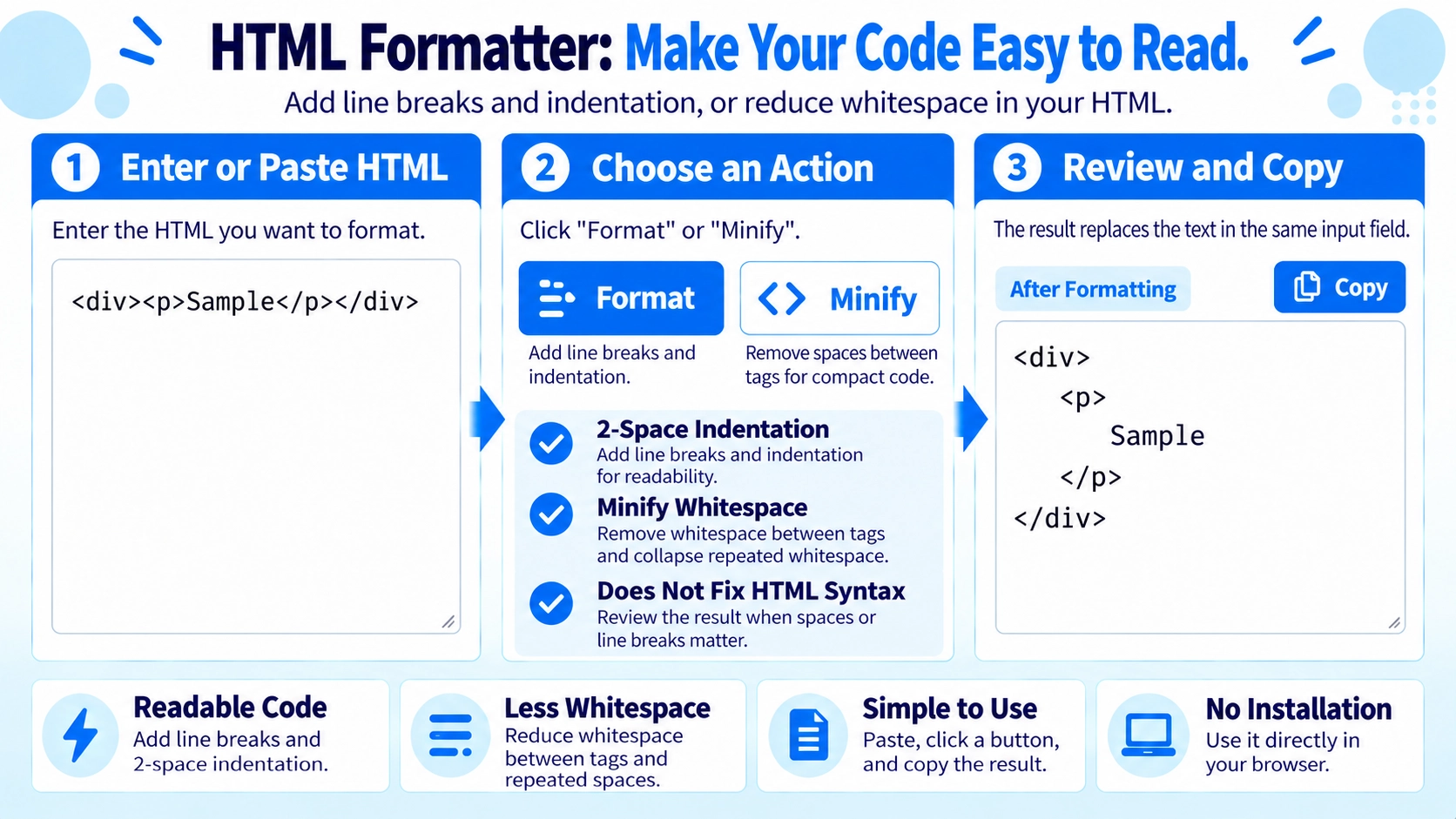
Paste the HTML content into the input area. Choose indentation or minify options if needed.
What this tool does
Format difficult-to-read or minified HTML with clear indentation in your browser.
How to use it
- Paste the HTML content into the input area.
- Choose indentation or minify options if needed.
- Run the formatter and review the formatted HTML output or any error message.
- Copy the result into your editor or document.
Supported input and notes
Review the formatted HTML before use. Check tag nesting, closing tags where required, and quoted attribute values if the result looks unexpected.
When it is useful
Useful when reviewing messy HTML markup, checking tag nesting, or making snippets easier to edit while working on a web page.
Format HTML for Reading
The formatter places tags on separate lines and adds indentation based on nesting, making compact HTML easier to inspect.
Two-Space Indentation
Each deeper level adds two half-width spaces. Closing tags reduce the indentation level before they are output.
Void Elements
br, hr, img, input, meta, and link are treated as elements that do not increase nesting.
Minify HTML
Minify removes whitespace between tags and reduces runs of two or more whitespace characters to one space.
Check Whitespace-Sensitive Code
Formatting and minifying change whitespace. Check the result when spaces are meaningful, such as content inside pre or other whitespace-sensitive code.
FAQ
Does it fix HTML errors?
No. It formats whitespace and indentation but does not validate or repair HTML syntax.
How much indentation is added?
Two spaces are added for each nesting level.
What is the difference between format and minify?
Format adds line breaks and indentation for readability, while minify reduces whitespace.