Provide the input text, data, or file. Choose the tool options that match your goal.
What this tool does
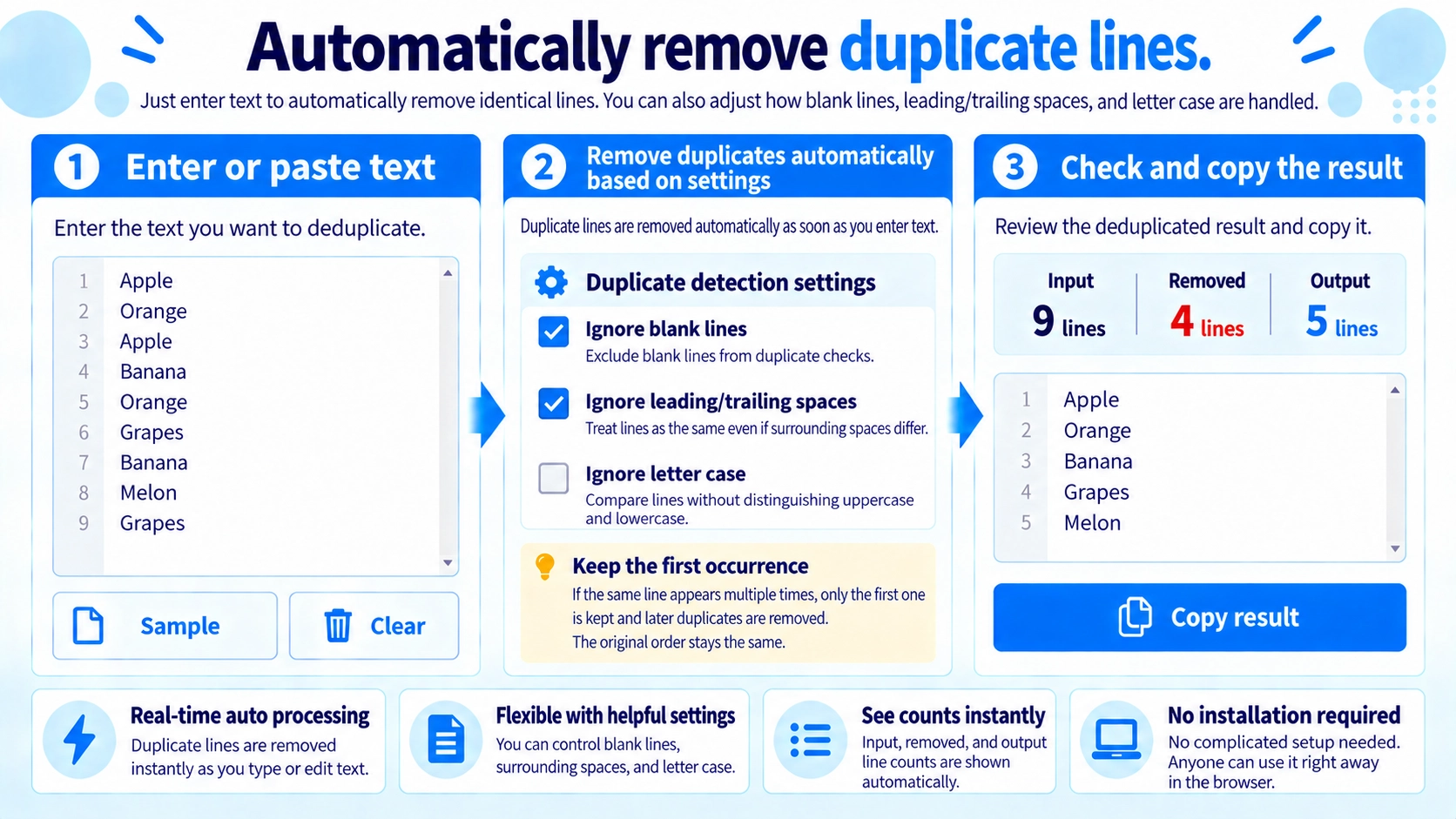
Remove repeated lines from pasted text. Choose whether to ignore differences in case or surrounding spaces, then copy the deduplicated list.
How to use it
- Paste a list or text with one item per line.
- Choose whether to ignore blank rows, surrounding spaces, or case differences.
- Review the automatically deduplicated output.
- Click “Copy result” to copy the remaining lines.
Supported input and notes
Each line is compared as an item. Case and surrounding-space options affect whether similar lines are treated as duplicates.
When it is useful
Useful for cleaning mailing lists, inventories, tags, or other repeated line-based items.
Keep the First Match
The first occurrence is kept and later duplicate lines are removed without changing the original order.
Ignore Blank Lines
When enabled, blank lines are excluded from comparison and output.
Ignore Edge Spaces
Leading and trailing spaces are removed before comparison, and the trimmed line is used in the output.
Ignore Letter Case
Apple and apple can be treated as duplicates while keeping the first spelling in the output.
Removal Counts
The tool shows considered input lines, duplicates removed, and output lines.
FAQ
Does the line order change?
No. The first occurrence stays in its original position.
Can Apple and apple be treated as duplicates?
Yes. Enable case-insensitive comparison.
Are partially matching lines removed?
No. Duplicate detection compares the full line value.