INPUT
RESULT
Generated using your browser’s Web Crypto API.
Generate SHA-1, SHA-256, SHA-384, or SHA-512 hashes from text. Processing is completed directly in your browser.
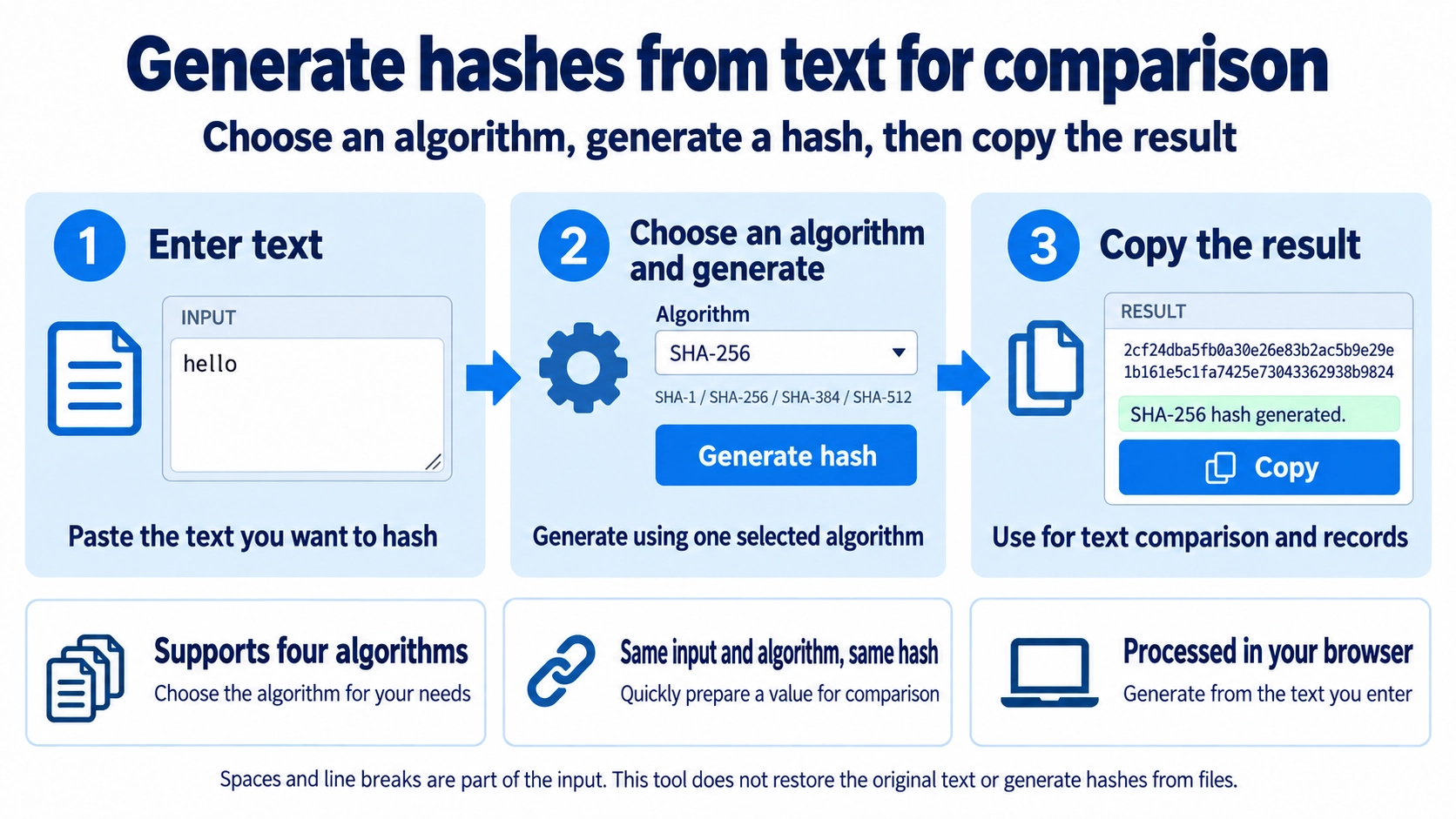
The same text produces the same hash, but a hash cannot be decoded to recover the text. This tool hashes typed or pasted text, not uploaded files. Spaces and line breaks affect the result.
Useful for comparing the hash of text snippets or producing a fixed-length digest for development tasks.
Using the same hash method on exactly the same text produces the same result each time. This makes hashes useful when comparing whether two text inputs are identical.
The same method and exactly the same text produce the same hash value.
Changing case, spaces, or line breaks normally produces a very different hash value.
Text that looks almost identical can still hash differently when a trailing space or line break is present. Check for hidden whitespace when two values do not match as expected.
This tool supports SHA-1, SHA-256, SHA-384, and SHA-512. The selected method changes both the output value and its length, so use the method required by the system you are working with.
A hash is not designed to reveal the original text from the generated value. If you need to restore and read the original content later, hashing serves a different purpose.
Hashing a password once with a general SHA method is not considered sufficient protection for password storage. Real services should use a security method designed specifically for storing passwords.
Yes. Differences in text, including spaces, line breaks, and letter case, normally produce a different hash.
No. Different methods produce different hash values.
No. This page hashes text entered in the input area and does not select files for hashing.